






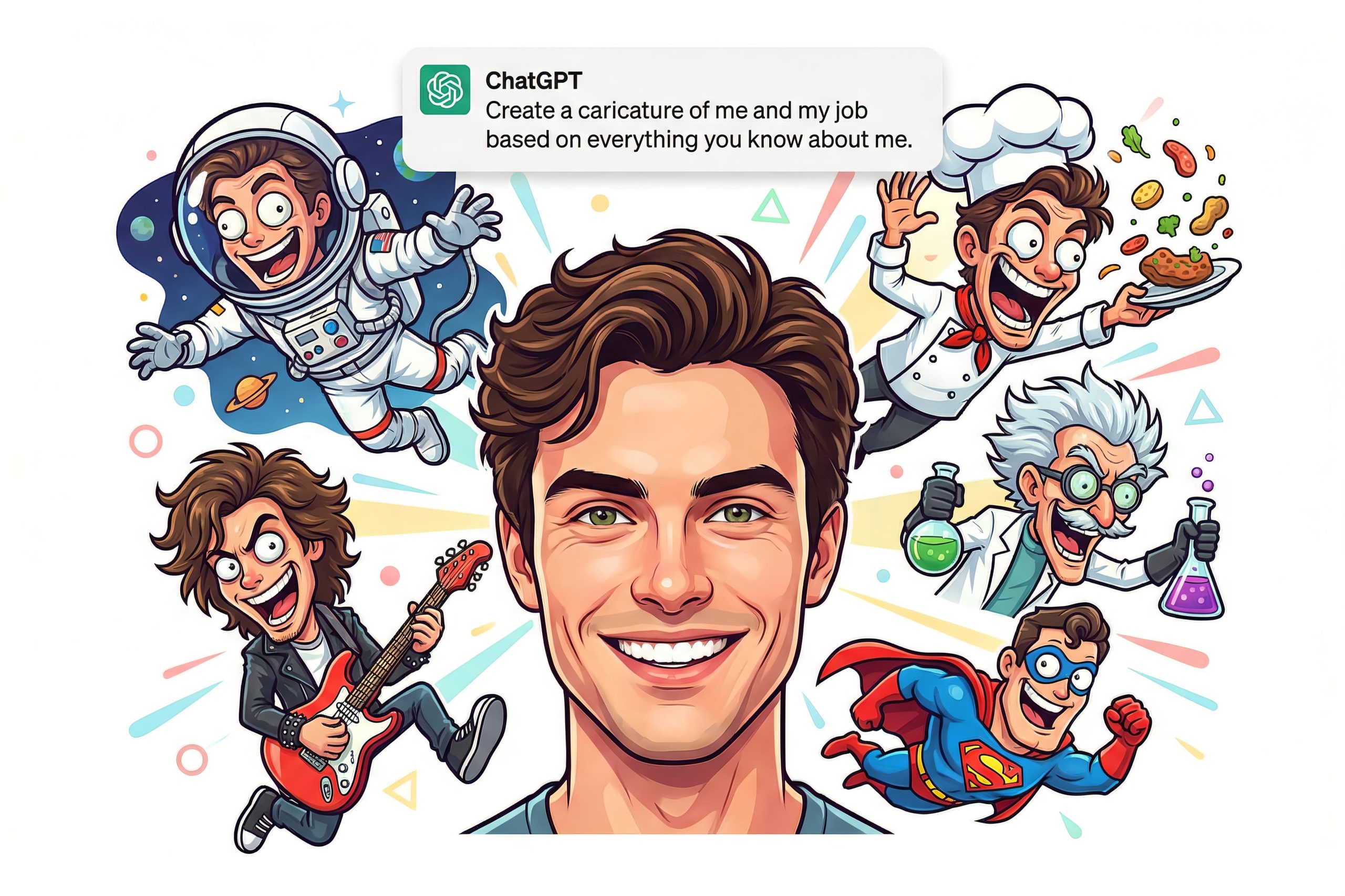
The ChatGPT caricature trend is the internet’s newest obsession, and it’s spreading fast. From office workers and teachers to influencers and pet owners, people everywhere are using ChatGPT to turn real photos into playful, exaggerated caricatures. If you’ve ever wanted a cartoon-style version of yourself without hiring an artist, this trend is made for you. In this guide, we break down how to create a caricature using ChatGPT, why it’s going viral, and how to get the most accurate results.
Why the ChatGPT Caricature Trend Is Going Viral
AI-generated art trends often come and go, but this one stands out for its realism and personality. Unlike previous fads—such as turning photos into dolls or animated characters ChatGPT caricatures retain facial details, expressions, and even work-related settings. That accuracy is what’s driving massive engagement across social media platforms.
Praise and Criticism Around AI Caricatures
While many users are amazed by the results, others raise concerns about environmental impact, artist displacement, and AI ethics. Still, for casual users, the appeal lies in how accessible and surprisingly detailed the final caricature can be.
How to Create a Caricature Using ChatGPT
Follow these simple steps to join the trend:
Step-by-Step Guide
- Log in to your ChatGPT account.
- Upload a clear photo of yourself (or your pet).
- Enter a detailed prompt describing gender, profession, outfit, setting, and pose.
- Let ChatGPT generate your caricature.
- Download and share if you’d like.
Tip: The more specific your description, the better your result.
The ChatGPT caricature trend blends creativity, technology, and fun in a way that’s easy for anyone to try. Whether you’re curious, creative, or just want something share-worthy, this trend proves AI art is here to stay at least for now.